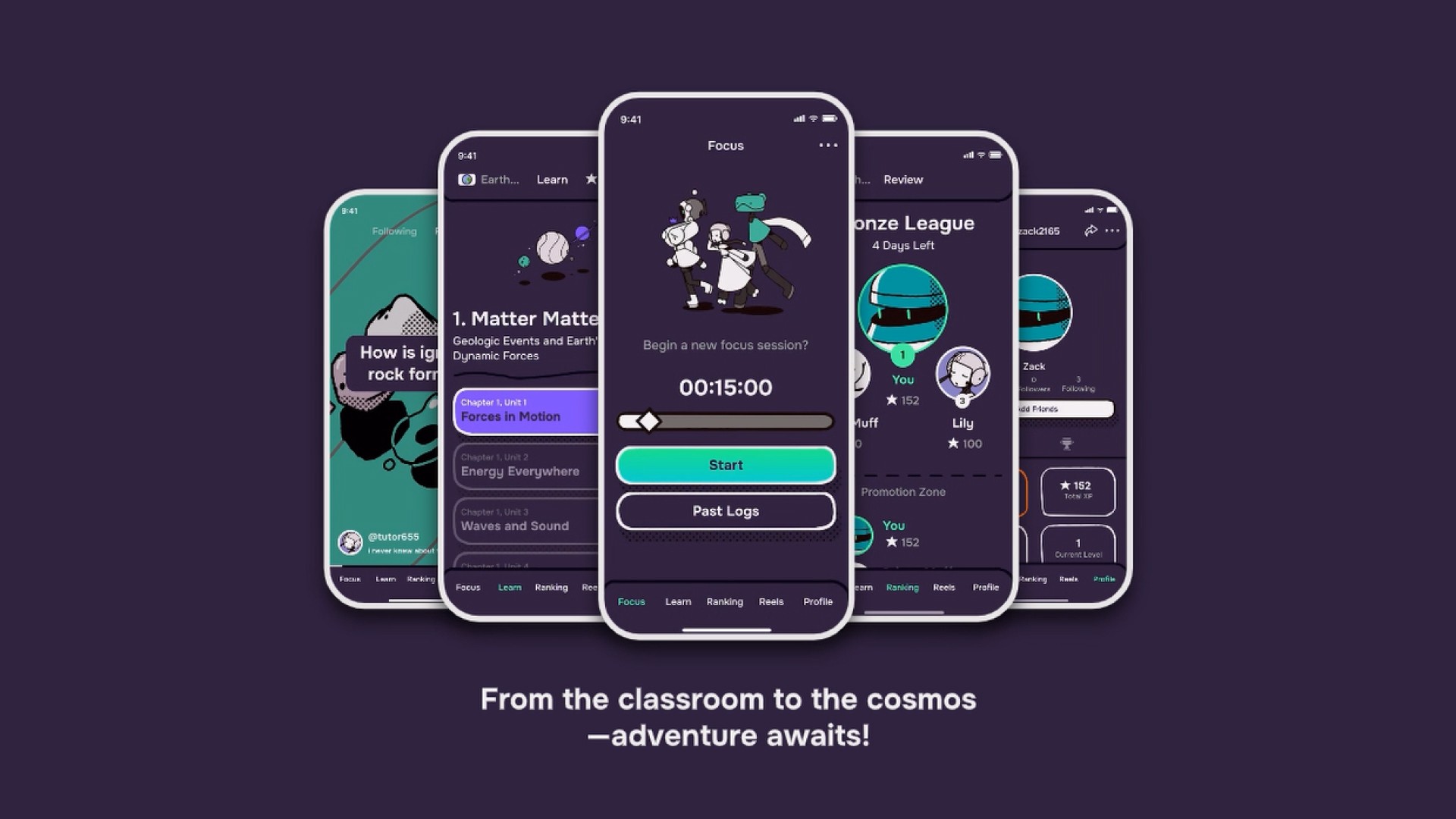
Learnova
A simple companion app for high schoolers that makes mundane and dull school tasks more exciting.
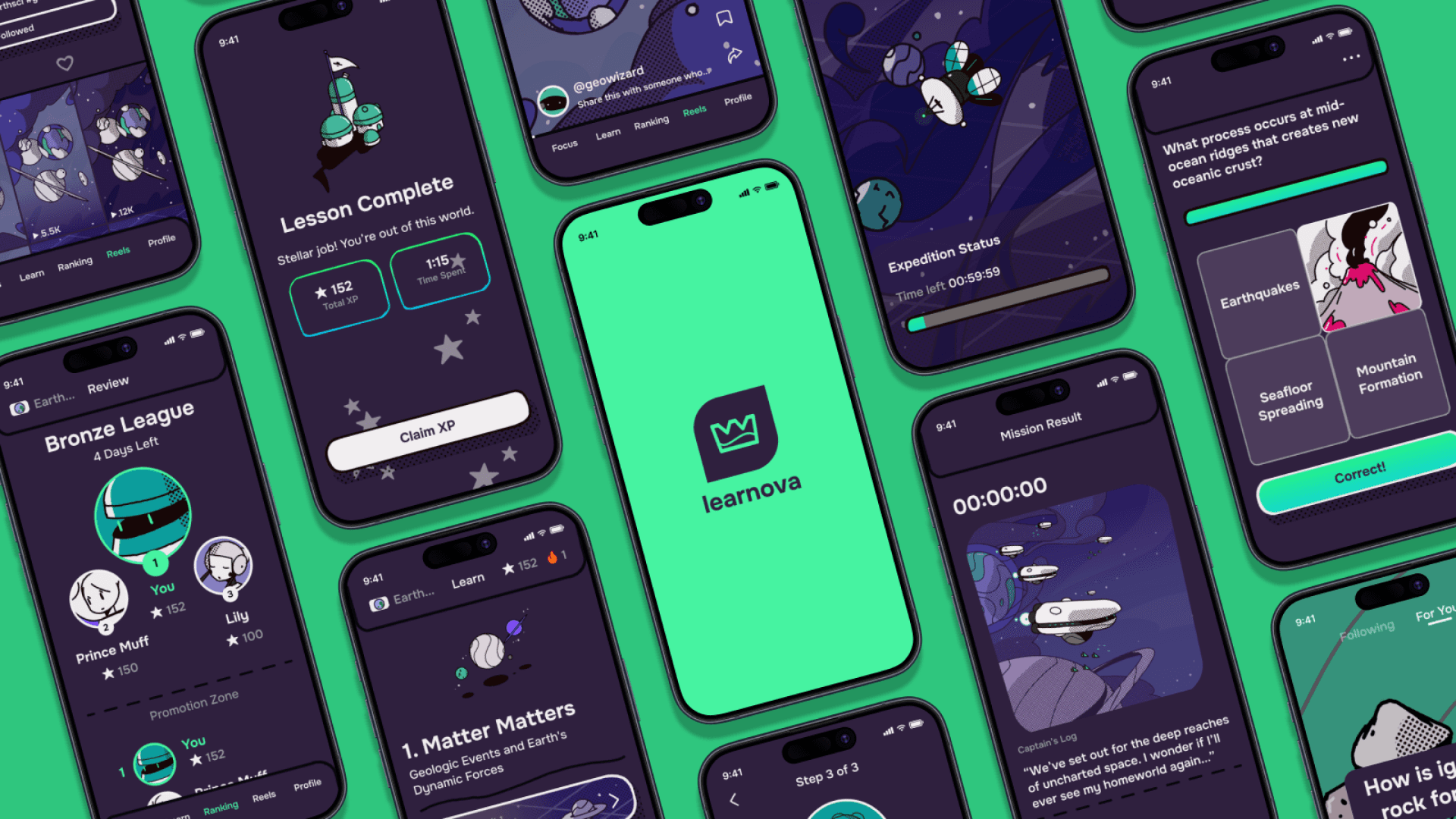
Marketing render
Overview
Time Frame
2024 | 10 Weeks
Objective
Research and design a mobile platform that provides assistance with homework, studying, and tutoring.
My Roles
Solo Project: Research, Prototyping, Branding/Illustration, User Testing
Handled the project's design pipeline, including research, design, illustration, and testing.
Conducted research on the current state of public education and documented innovative solutions to identified problems.
Designed a prototype, using branding and illustrations that would appeal to students.
Conducted user testing to gauge the prototype's usability.
Iterated the prototype, implementing improvements based on testing feedback.
Research
Given the broad subject of "education" as a jumping-off point, I conducted interviews with some experts in the field to narrow my scope. I was advised that the area of public education had a lot of opportunity for improvement. After that, I performed research to identify difficulties within that field. Below, you can see some of the findings from that research.
Sources Used
Past documented case studies
Online conversations
Articles
Videos/podcasts
Interviewed experts
Surveyed students
From these insights, I was able to bring together a proposal for my project. I knew that my project had a mobile focus, and it targeted high school students. I had identified some common trends for difficulties experienced by my target audience, too. I was able to create some personas as well.
Problem
High school students feel stressed with their homework, worried about their graded performance, and confused on their lessons.
Opportunity
There’s an opportunity for a mobile platform that provides assistance with homework, studying, and tutoring.
How Might We
How might we provide gamified motivation for homework, mobile studying assistance, and video content to explain difficult concepts?
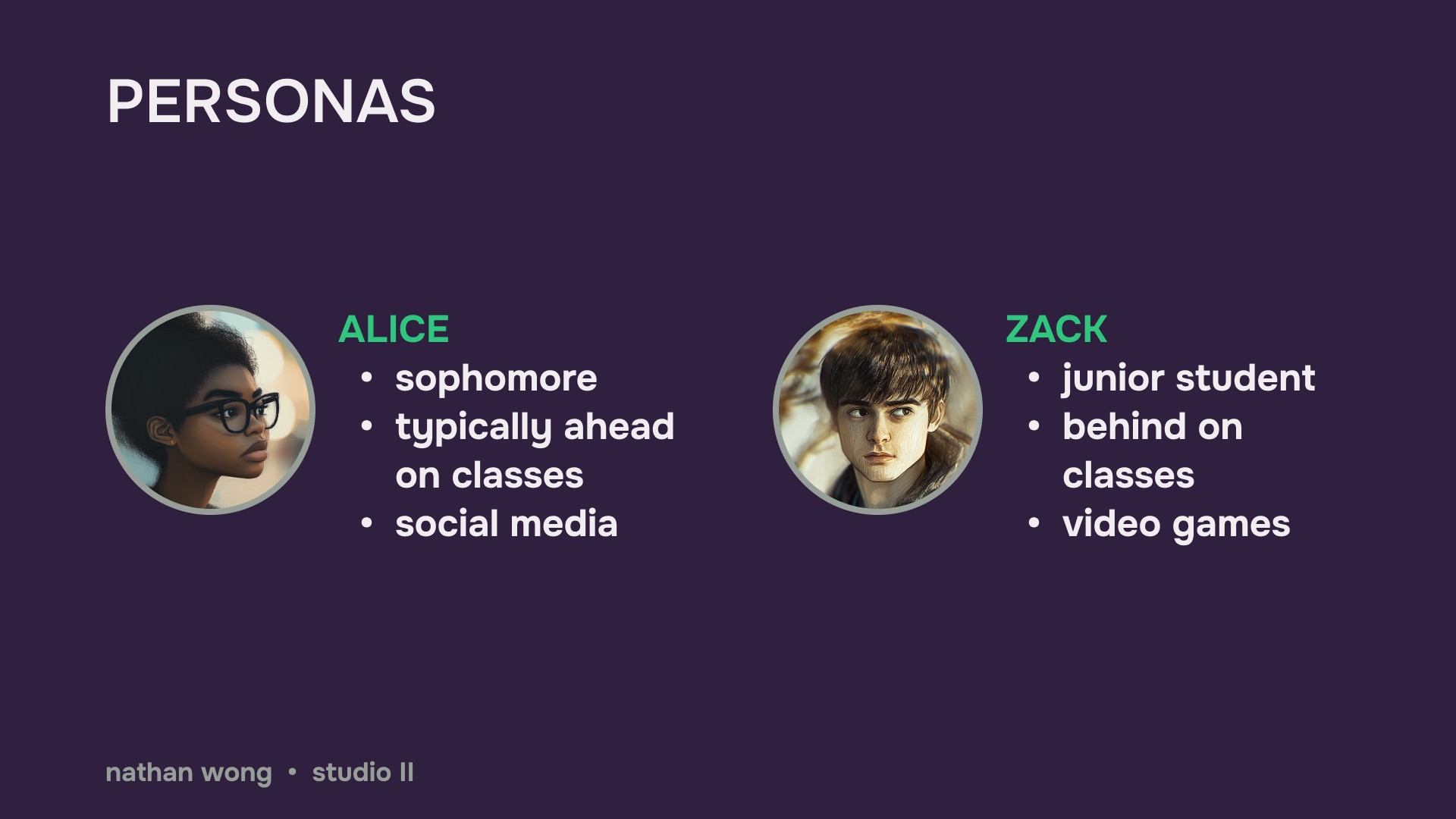
Simplified user personas I worked with
Branding
I'd used a lot of school-related apps and websites before, and had always found the subject a bit dry. To better resonate with my target audience, I created an art style to use with my prototype, and spent several days hand-drawing assets. The idea was to try and make the prototype fun to interact with.
Setting
My personas were interested in social media and video games. I made the art style space-themed because I wanted an adventurous direction that could work for both target audiences.
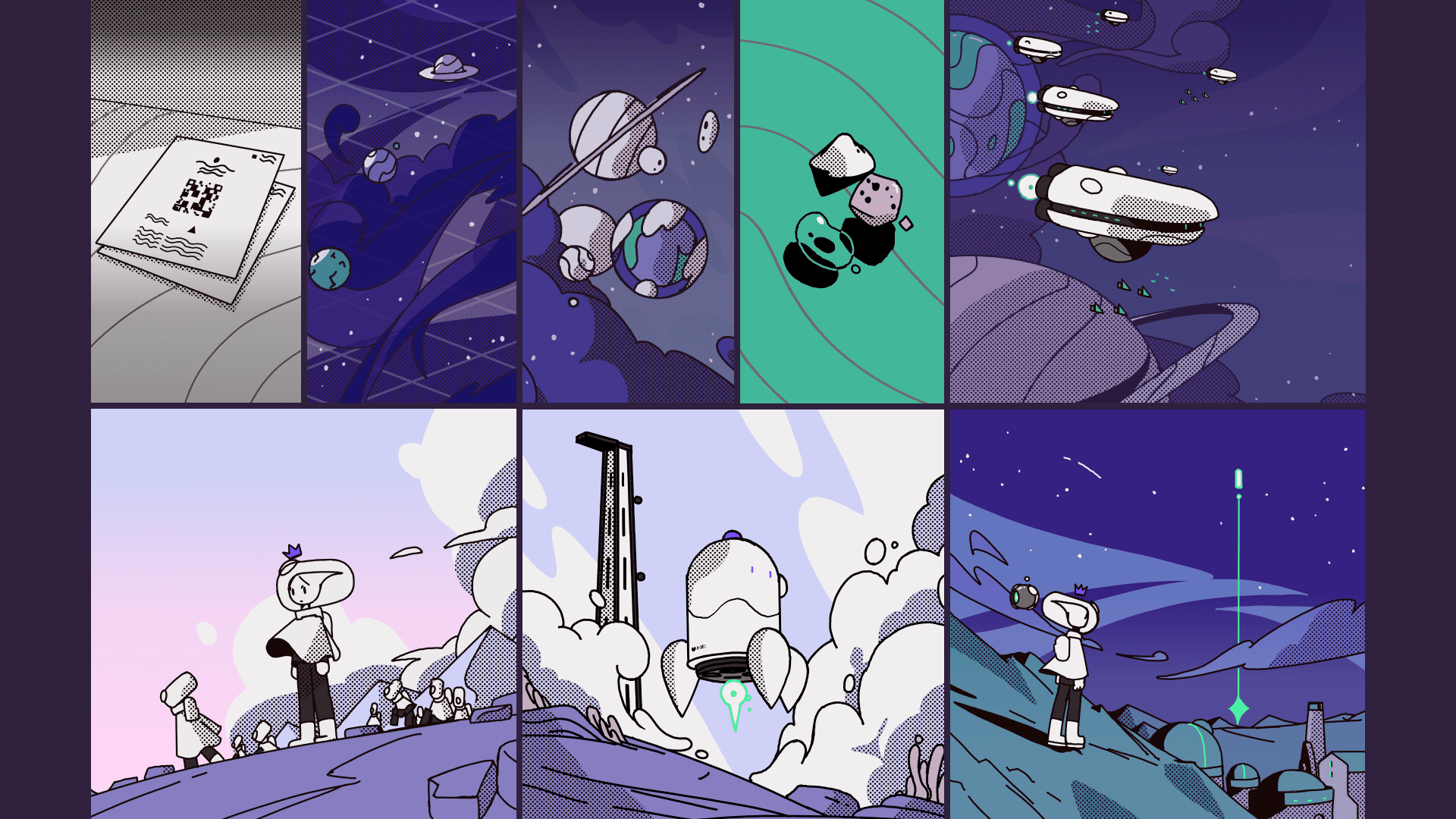
Illustrations used in the prototype
Color Use
I made heavy use of green, which was a color that has some positive associations. The commitment to dark mode was informed by research into the target audience.
Characters
Further playing off of the green, I made the character designs frog/tadpole inspired. I gave the overall style a fairy-tale direction as well, which goes along with the frog prince theming.
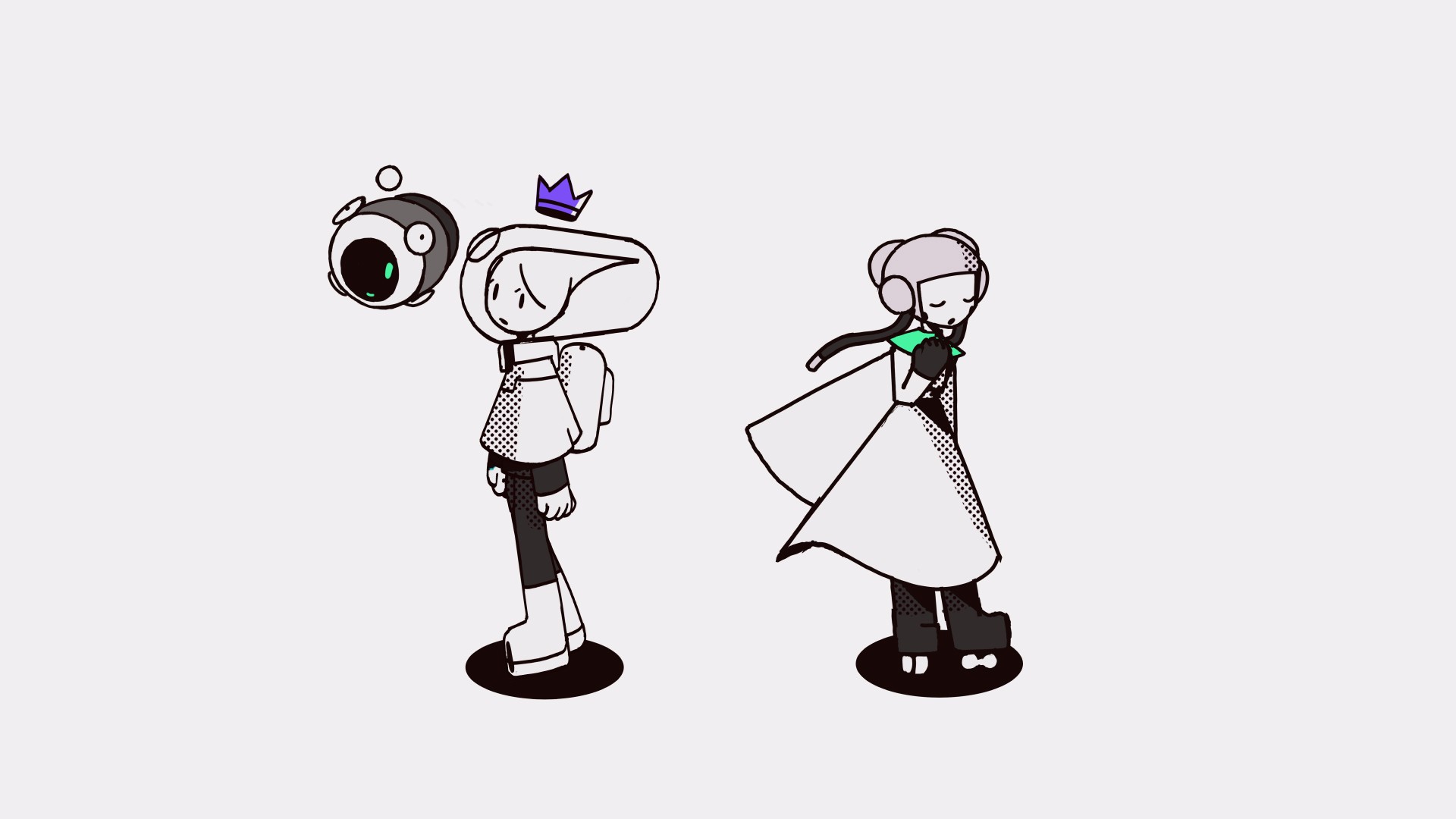
Mascots designed for the project
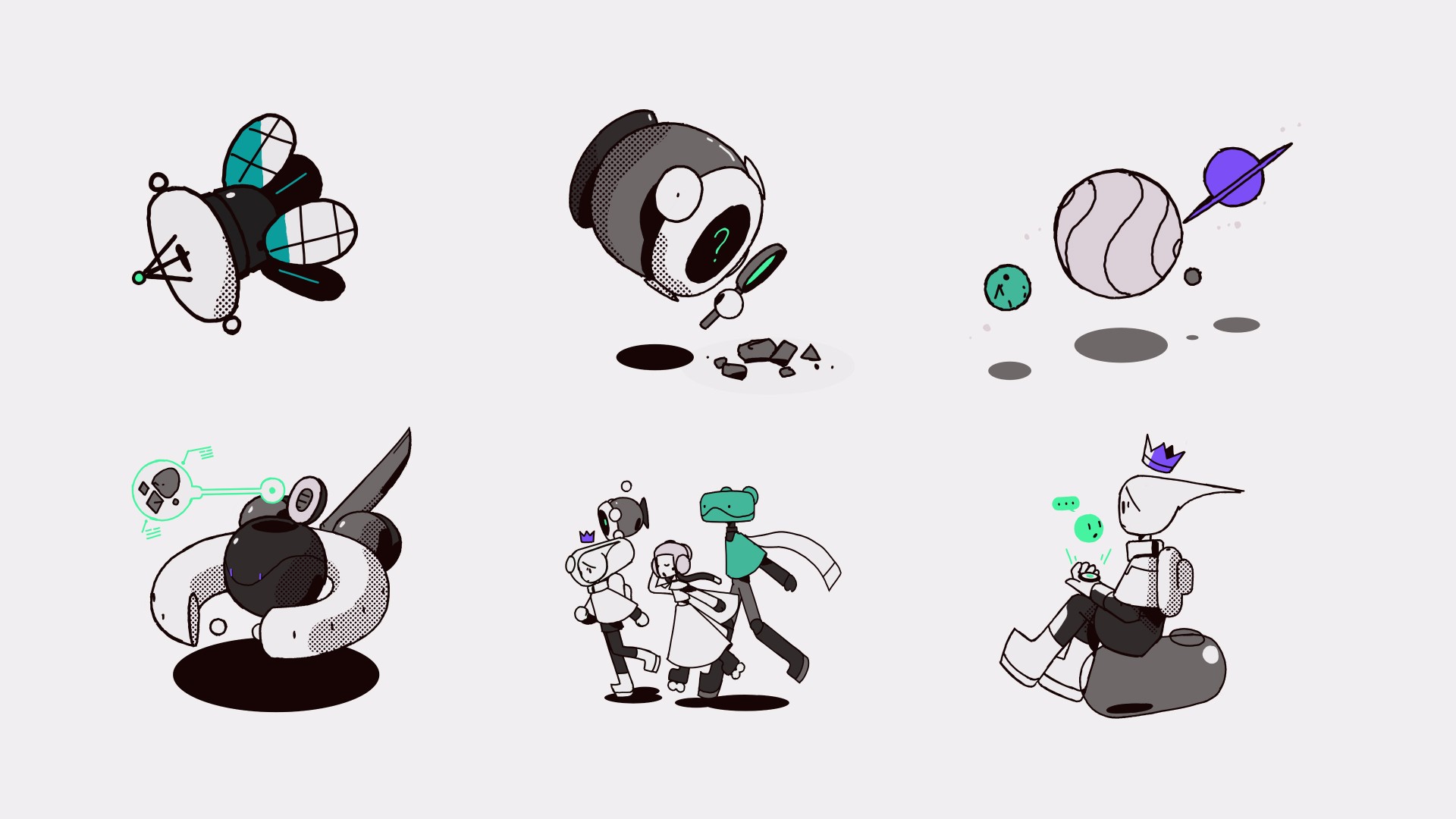
Spot illustrations used throughout the prototype to communicate various ideas and concepts
Icon
To go along with the fairy tale theming, the icon represents a frog prince's crown, and the background shape represents a leaf, or lily pad.
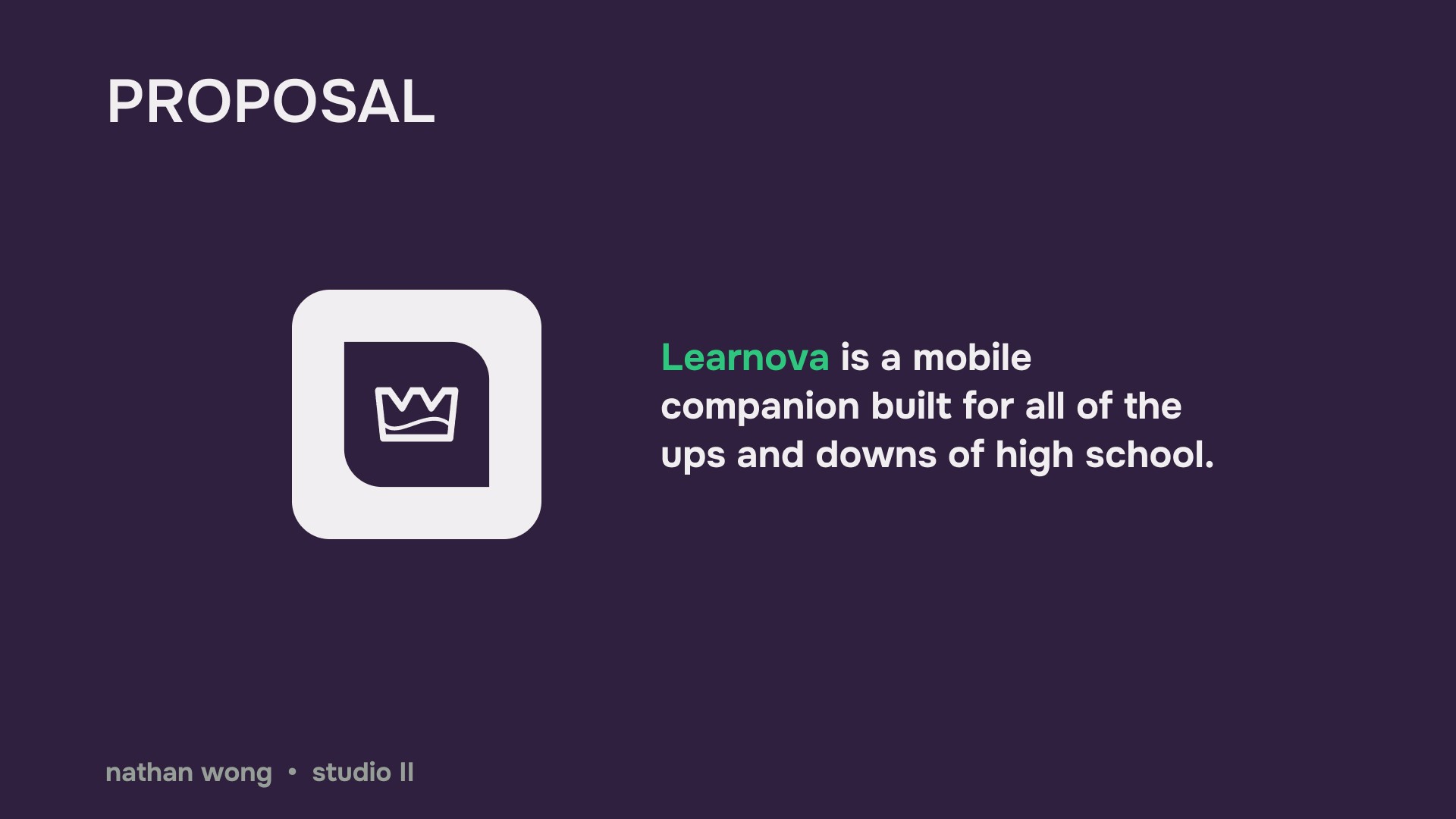
Logo and title proposal
User Tests
I quickly assembled a prototype, and invited people to test it, with a few key tasks in mind. The main goal of user testing was to make sure people could easily navigate through all of the app's main features without any hiccups, and also to gauge reactions to the visual design.
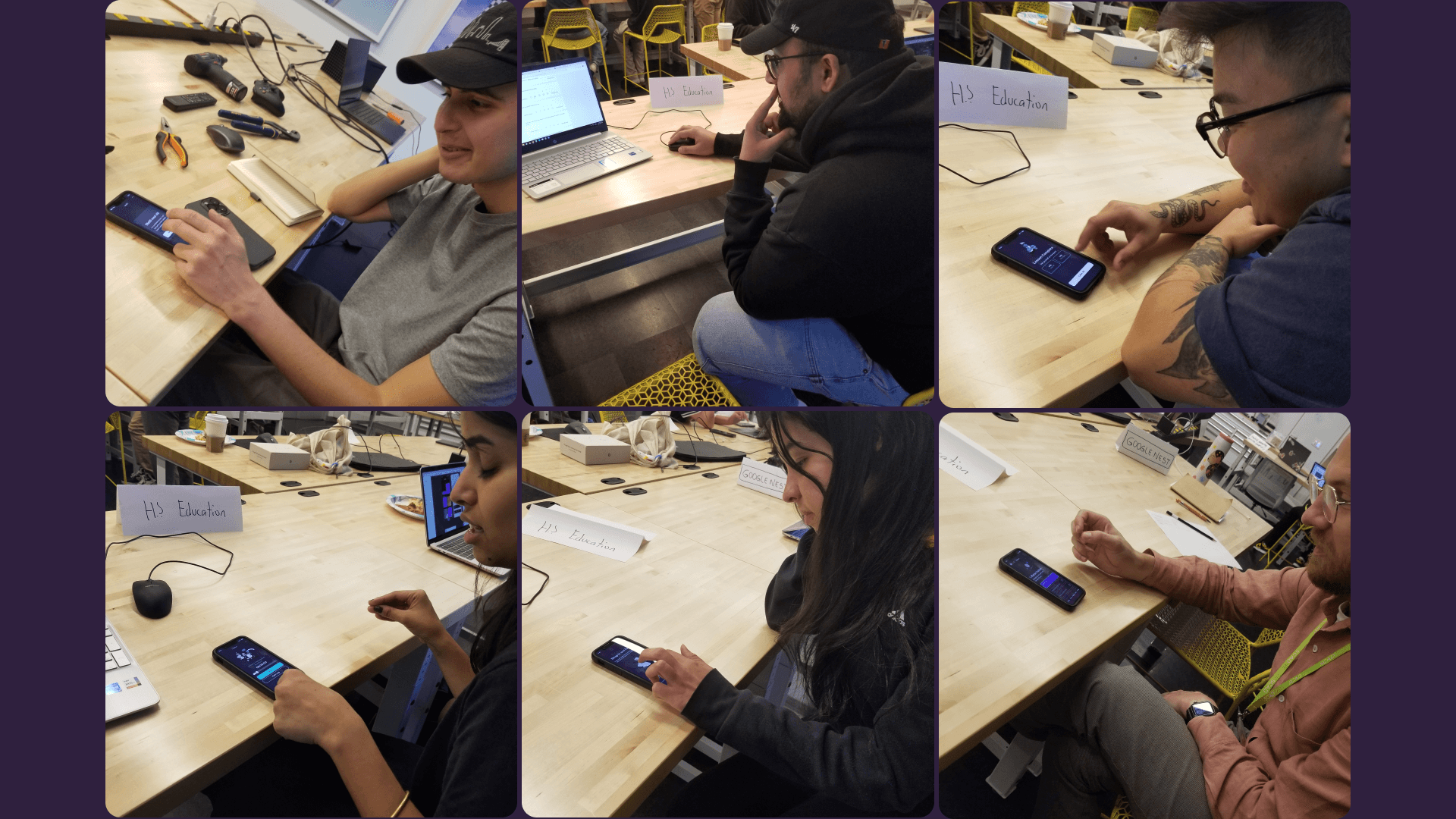
User testing in progress
Feedback Implemented
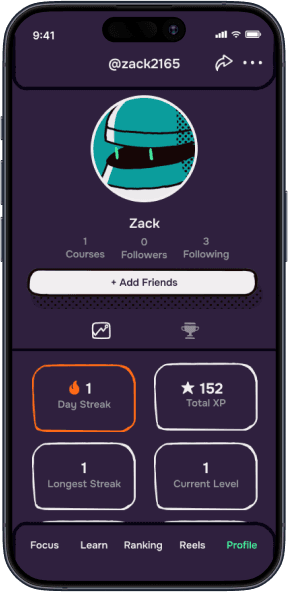
I received feedback that the visual styling seemed consistent, but could be taken a step further. And so I took it a step further by incorporating hand-drawn elements into the app itself, instead of containing them to just the illustrations.
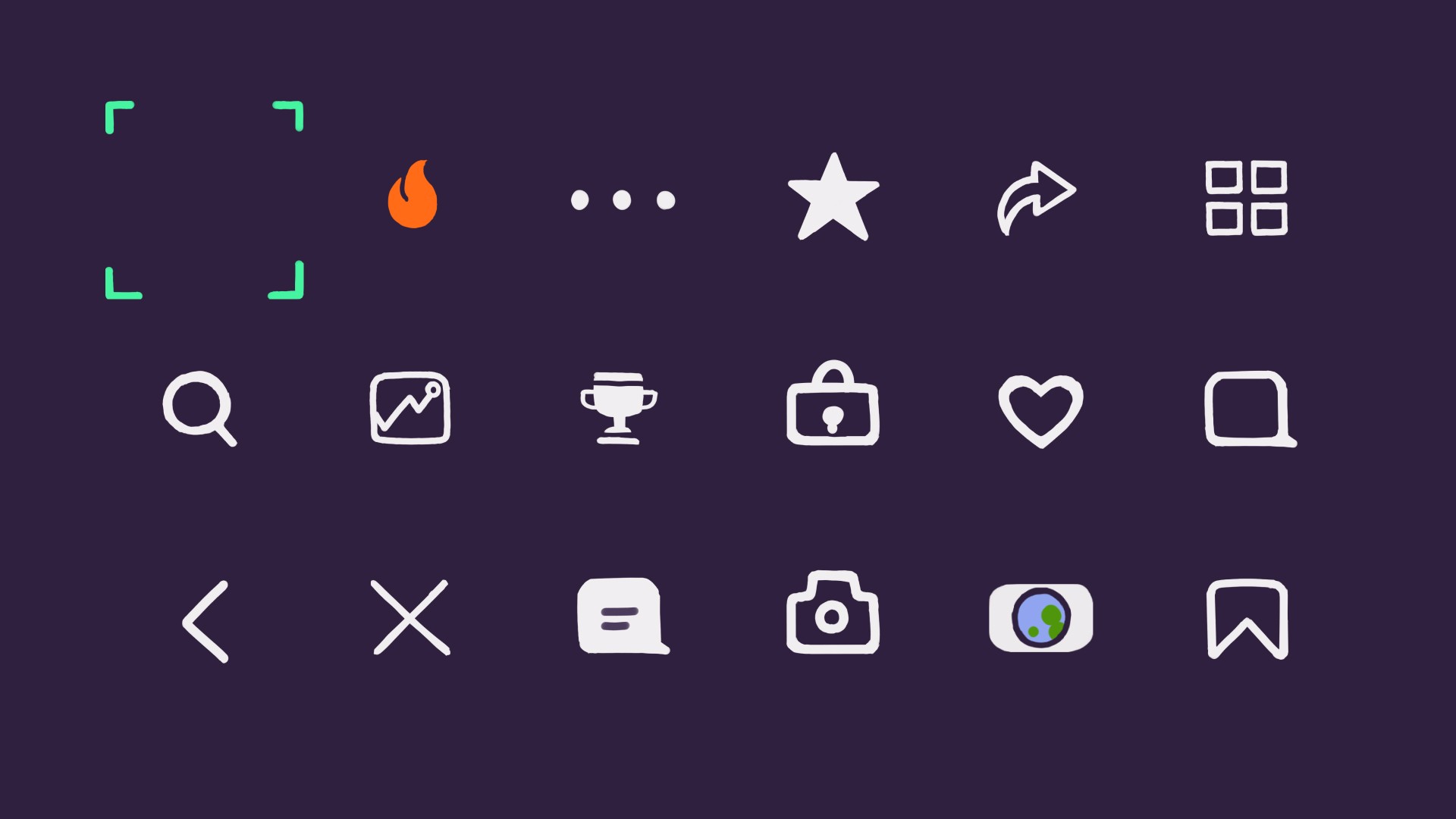
Hand-drawn icons
Before
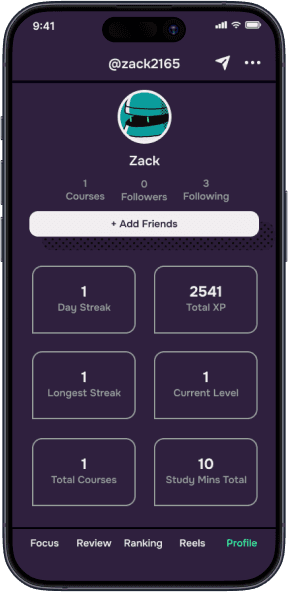
After
Before
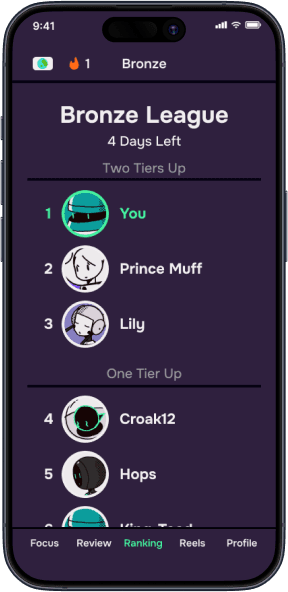
After
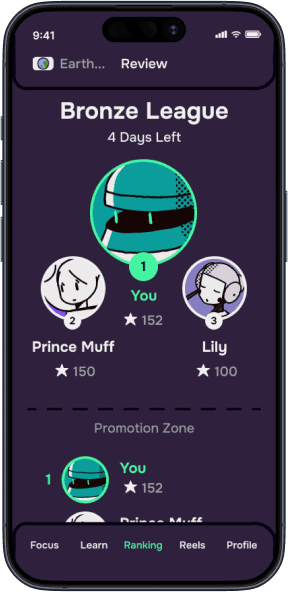
Some of the other feedback implemented includes clearing up some confusion about various features, and meeting users' expectations based on their prior experiences with preexisting apps such as Duolingo, and Instagram.
Prototype
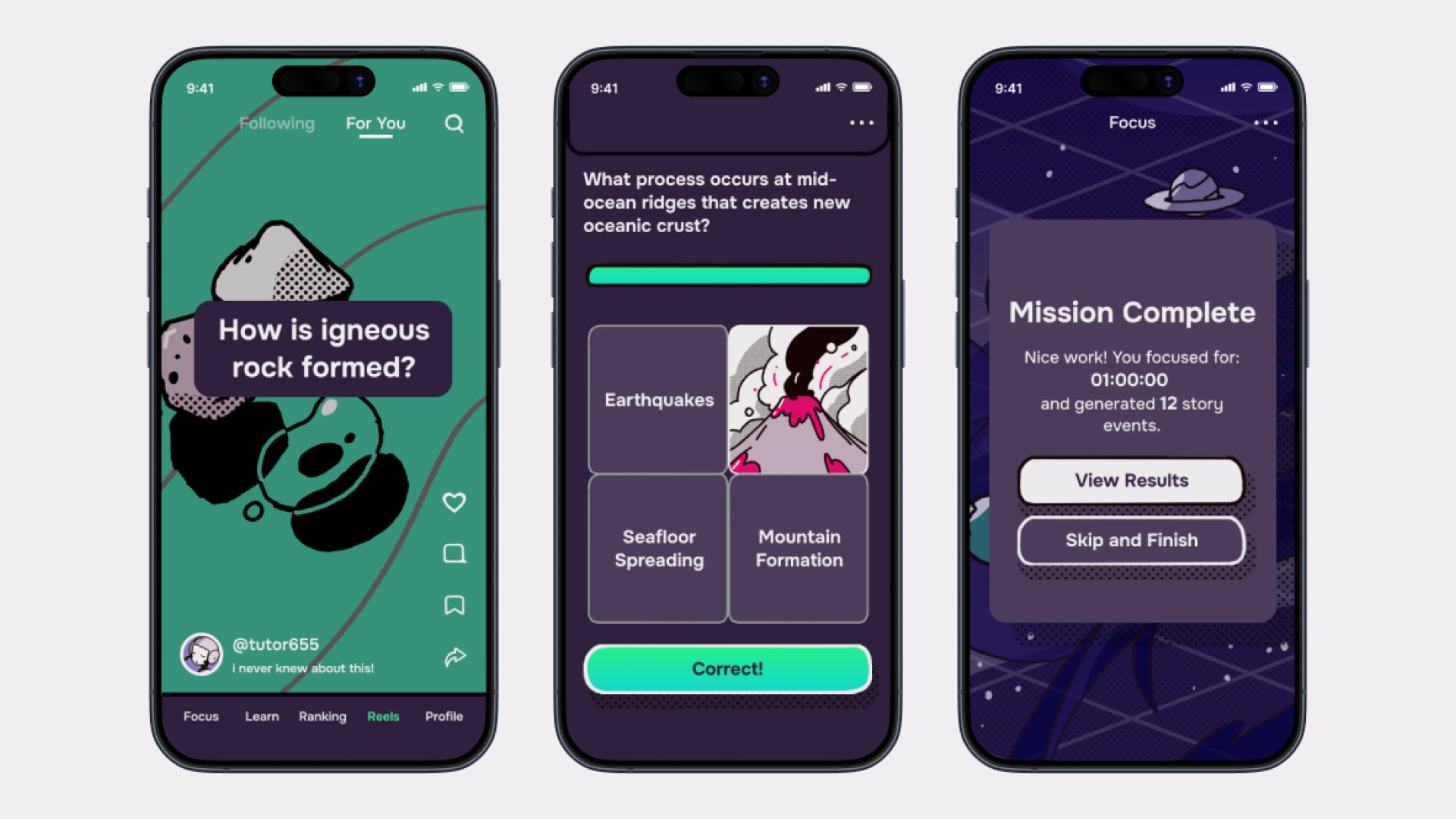
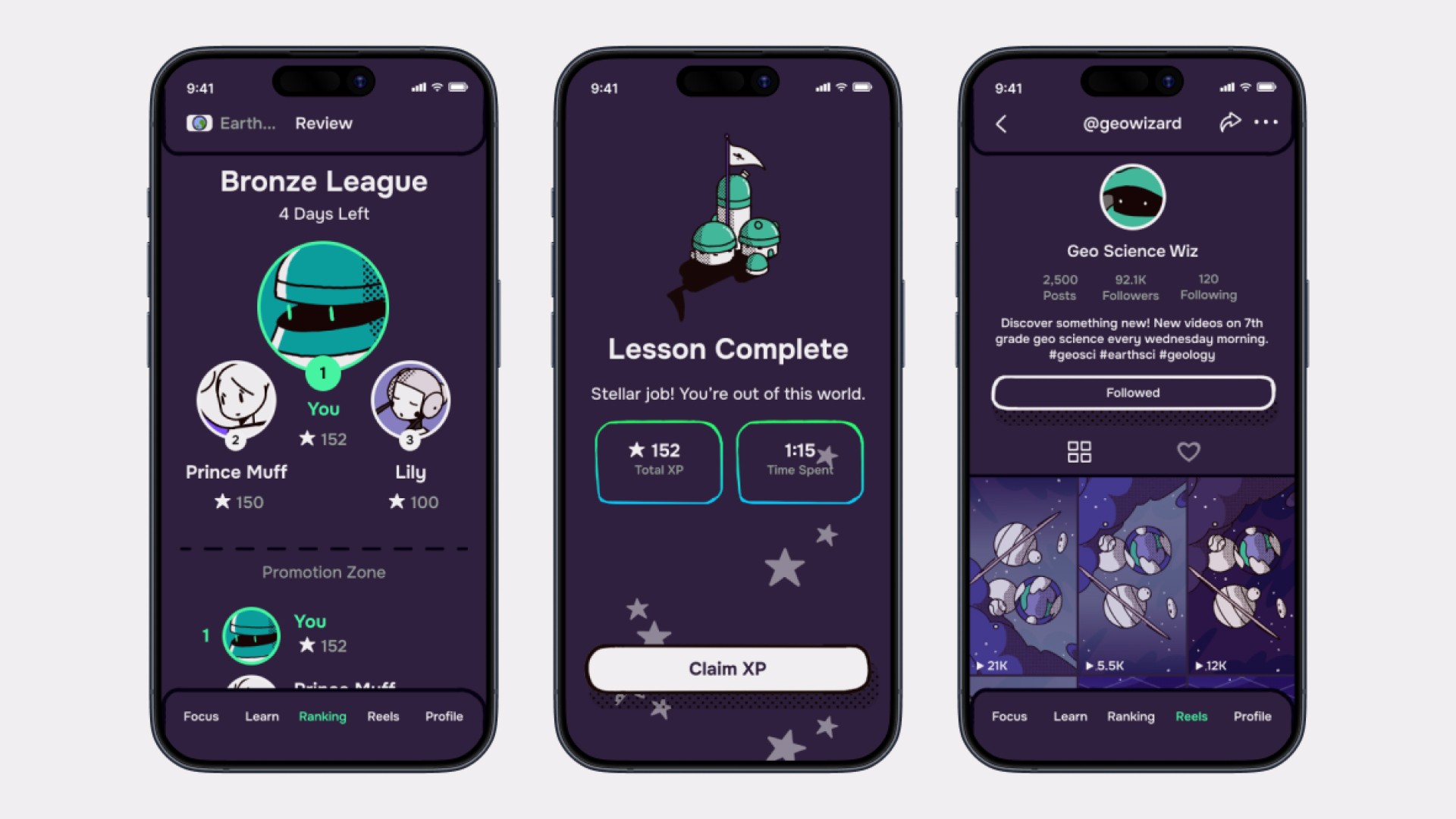
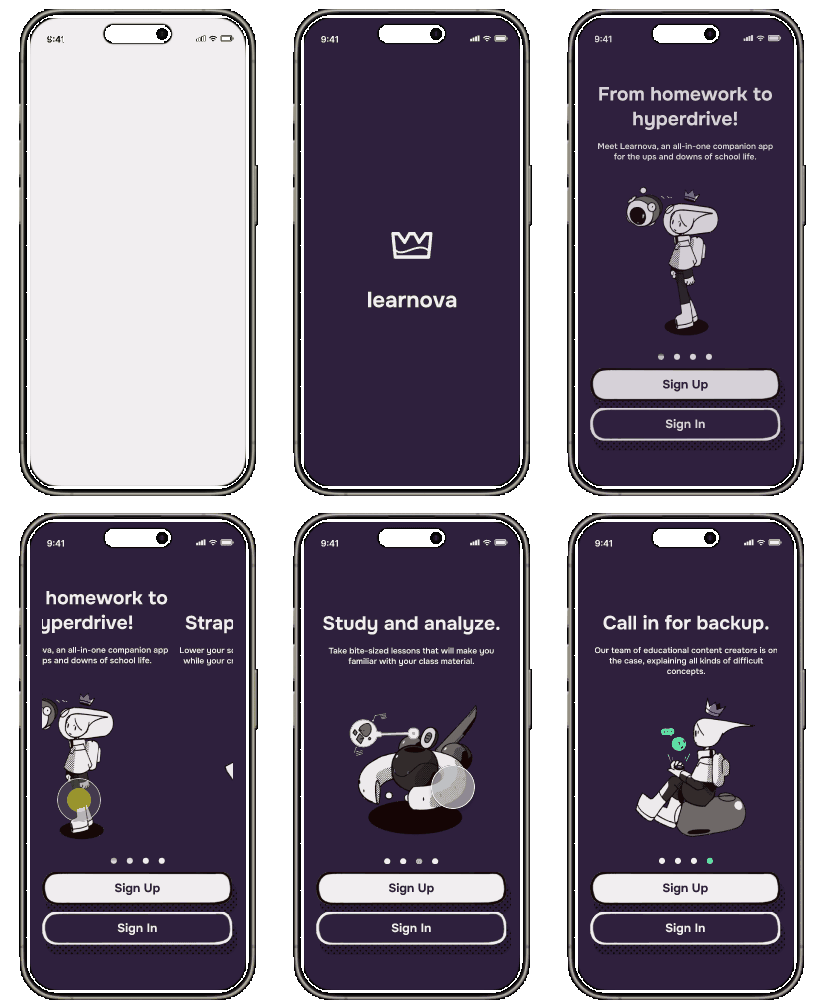
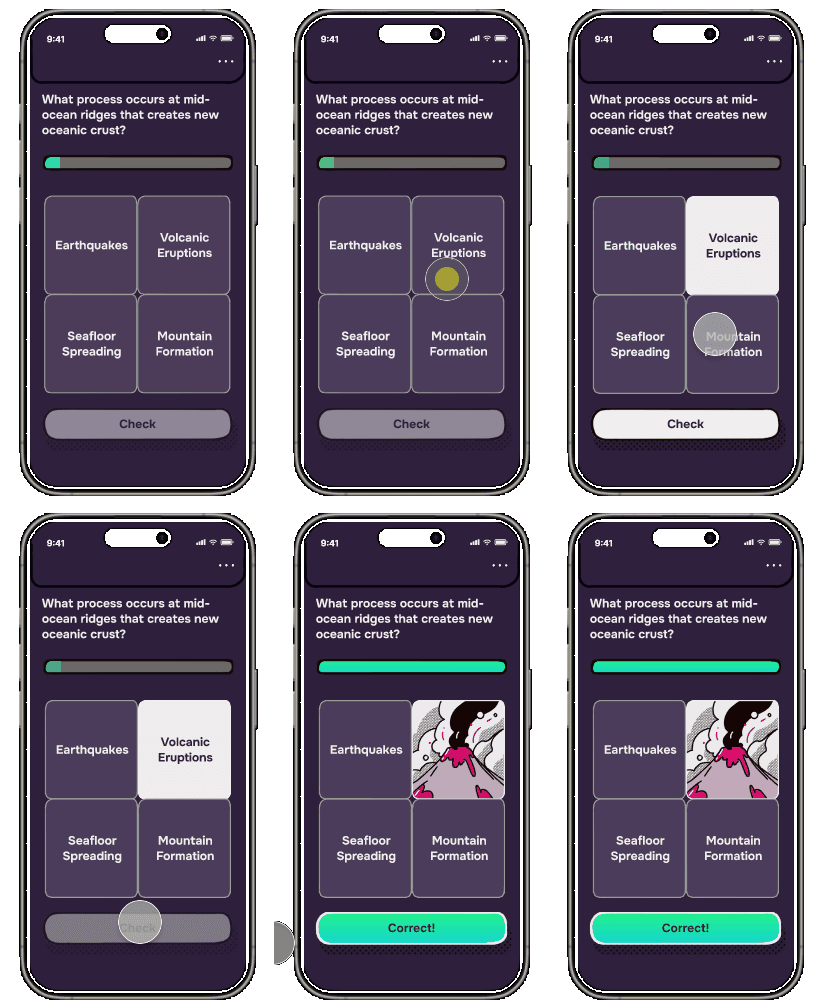
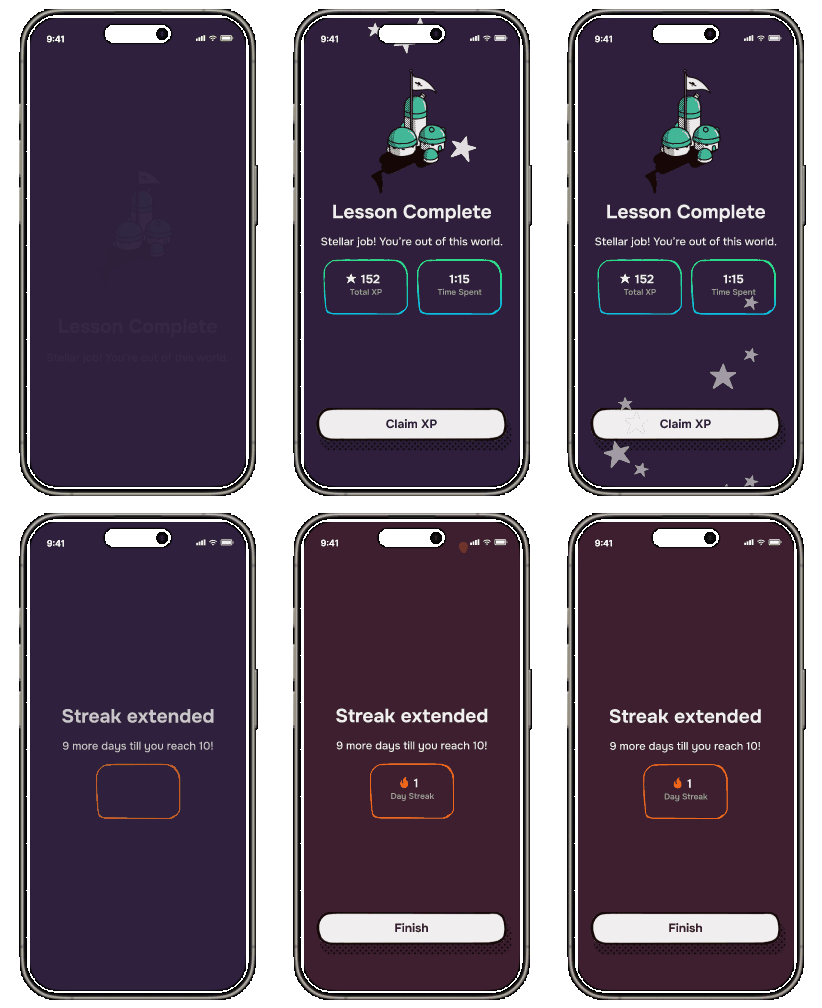
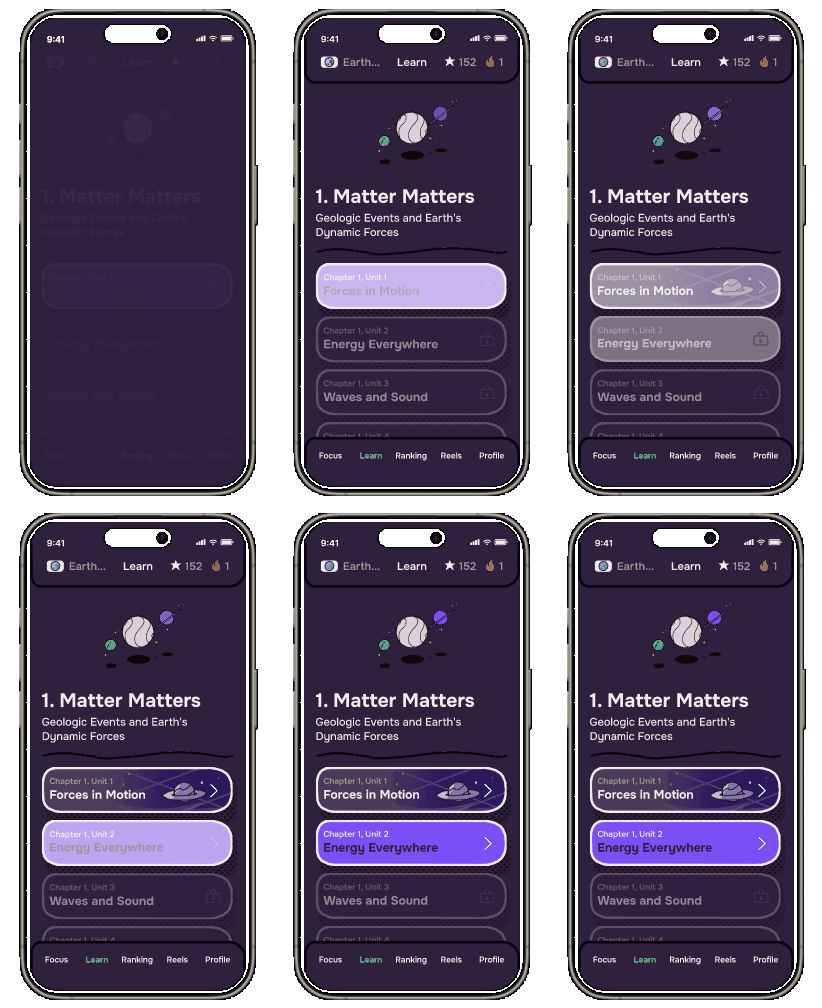
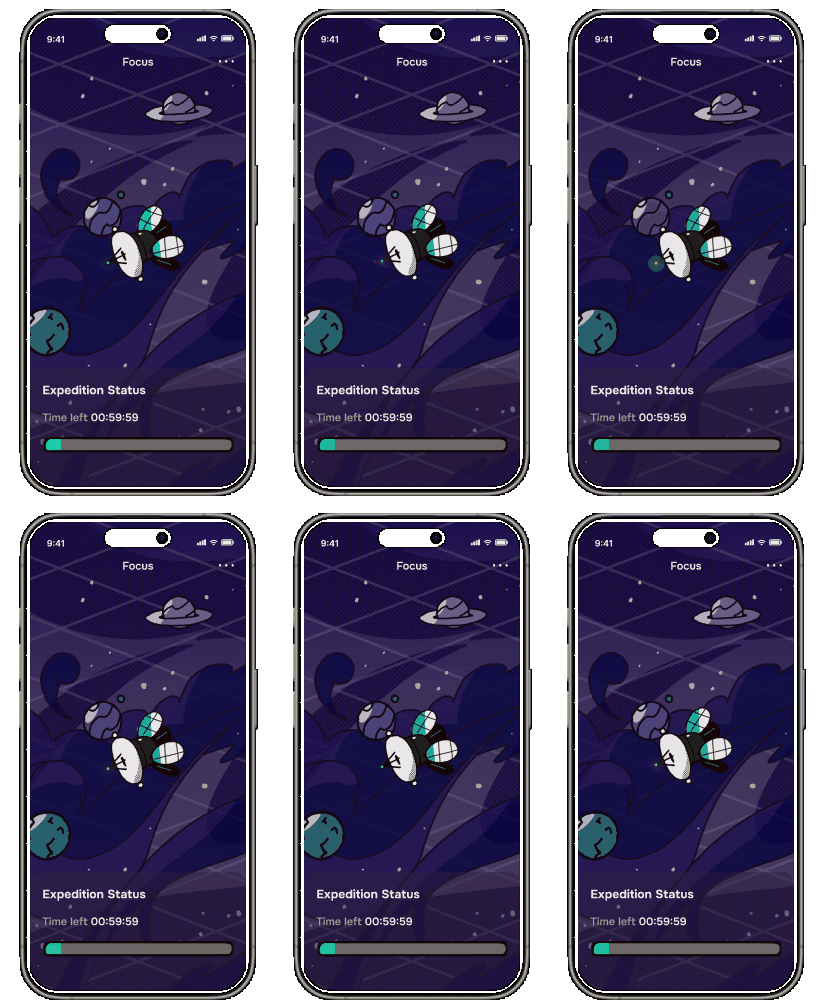
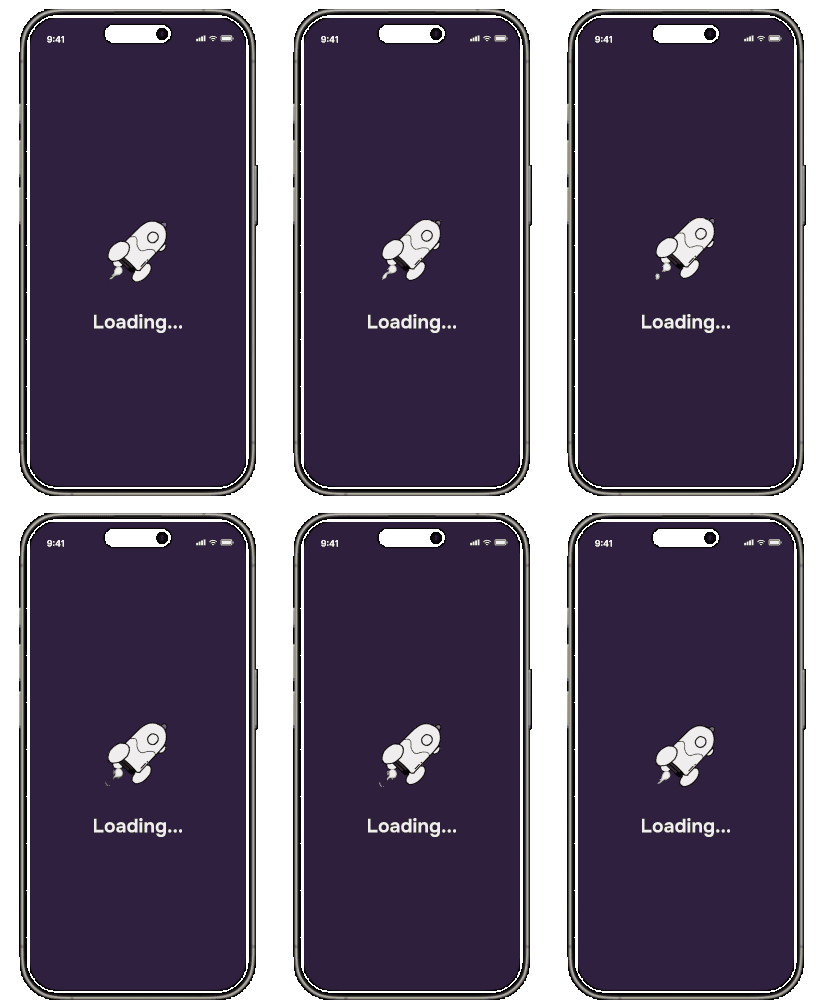
Here are some demonstrations of the end result, after all the feedback was implemented. You can see that the hand-drawn elements are applied to the buttons, the icons, the borders, the linework separators, the animations, and other components.
Takeaways
This was a fun project. The end result was very different from what I anticipated in the early phases of designing. I also learned to quickly improvise with what I had on hand.